GUIDE · convert normal photo to vintage film· 4 MIN READ
How to Convert Normal Photos into Vintage 35mm Film & CCD Digicam Shots on Android
Already have hundreds of great photos sitting in your phone gallery? Here is how to use OMO Roll's built-in Import feature to transform any normal photo into an authentic 35mm film or Y2K CCD masterpiece in seconds.
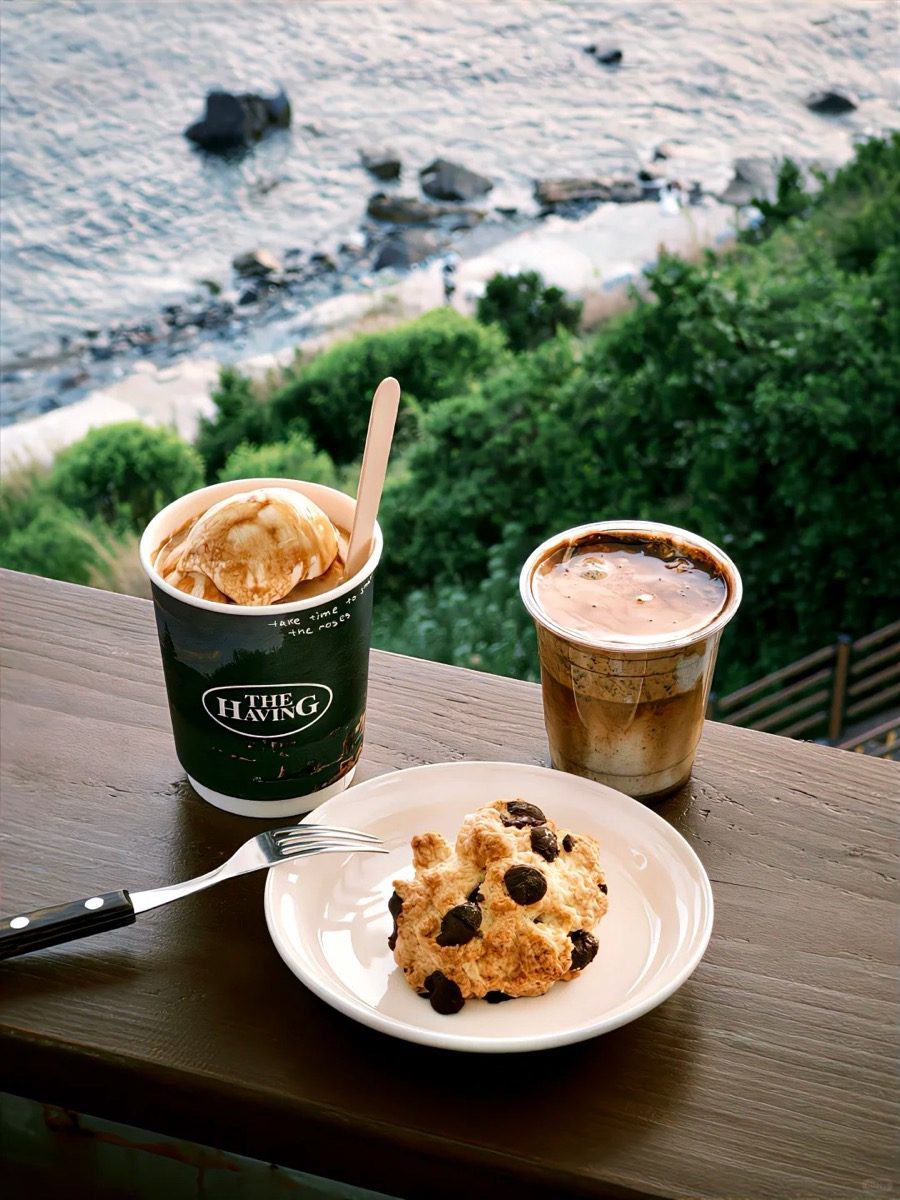
Camera Formula & Profile
Analog Transformation / Photo Batch ImportFXN R / CPM35 / GRN
ISO RatingAuto
Exposure Bias0.0 EV
Film GrainCustomizable
Flash StateOff / Natural
DifficultyBeginner
Best ScenarioOld vacation albums, graduation portraits, concert photos, food shots
OMO Roll — Dazz Cam experience for Android · Free on Google Play · iOS on App Store
Why You Don't Need to Reshoot to Get the Film Look
Most vintage camera apps only apply effects during live capture, leaving the thousands of high-resolution photos already in your gallery untouched.
With **OMO Roll's Batch Import engine**, you can retroactively apply real film optical science — complete with organic silver halide grain, natural light leaks, color tone curves, and vintage date stamps — without losing original image resolution.
3 Steps to Transform Gallery Photos in OMO Roll
**Step 1: Tap the Gallery Import Icon**
Open OMO Roll and tap the Import icon located right next to the shutter button. Select any photo from your Google Photos or device album.
**Step 2: Choose Your Film Profile**
- **For Soft Warm Daily Shots:** Select **FXN R** or **FC 100**.
- **For Punchy Street Contrast:** Select **GRN Ricoh**.
- **For 2000s Flash / Digicam Vibe:** Select **CPM35 Y2K**.
- **For Moody Neon Nights:** Select **FN 1600**.
**Step 3: Fine-Tune Grain & Light Leaks, Then Save**
Adjust the grain intensity slider and toggle optional light leaks. Tap Save, and the newly styled film photo is exported directly back to your camera roll.
Pro Tips for Converting Digital Photos to Film
- **Avoid Over-Edited Photos:** Photos with existing beauty smoothing or heavy HDR filters may look unnatural with film grain. Import raw or minimally edited shots for the best results.
- **Add Date Stamps for Authenticity:** You can customize the date stamp to match the exact original capture date from EXIF data.
- **100% Privacy & Zero Cloud Upload:** OMO Roll processes all image transformations locally on your device, ensuring private photos never leave your phone.
#convert normal photo to vintage film#apply film grain to existing photos android#import photos to film camera app#turn phone photo into film#vintage photo converter app#OMO Roll
OMO Roll — Dazz Cam experience for Android · Free on Google Play · iOS on App Store
Frequently Asked Questions
Does importing lower the photo's original quality?+
No. OMO Roll preserves full original megapixel resolution while applying optical film curves and analog grain.
Can I convert multiple photos at once?+
Yes, OMO Roll allows batch importing multiple photos so you can quickly curate a cohesive Instagram photo dump.