RECIPE · ricoh gr street recipe· 4 MIN READ
How to Recreate the Ricoh GR Positive Film Street Look on Android
The Ricoh GR III is the gold standard for urban street photography. Here is how to achieve its signature punchy colors, deep cyan skies, and high-contrast snap focus aesthetic right inside OMO Roll.
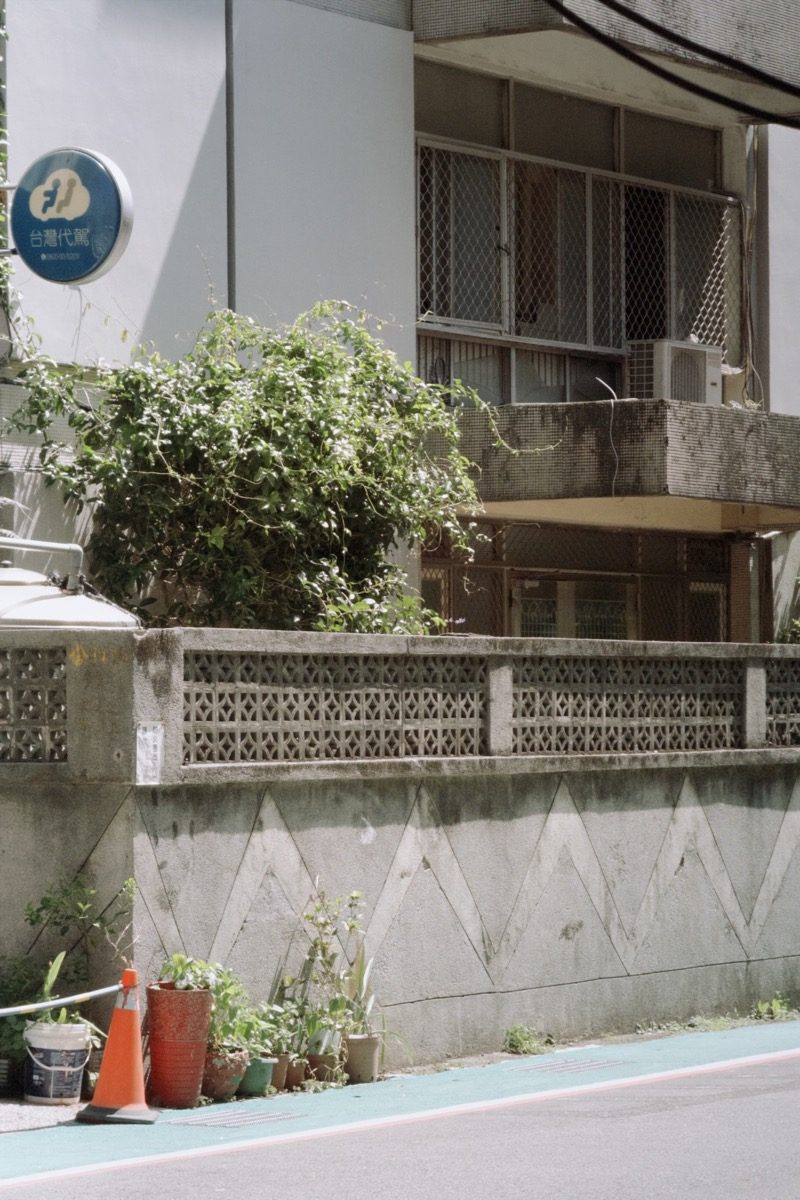
Camera Formula & Profile
Urban Street / Positive FilmGRN Ricoh
ISO Rating200 - 800
Exposure Bias-0.3 EV
Film GrainLow
Flash StateOff / Natural
DifficultyIntermediate
Best ScenarioUrban alleys, direct afternoon sunlight, architectural shadows
OMO Roll — Dazz Cam experience for Android · Free on Google Play · iOS on App Store
Why the Ricoh GR Positive Film Look Dominates Street Feeds
The Ricoh GR series built a cult following among street photographers for one reason: **Positive Film Simulation**. Unlike soft pastel film looks, the GR look delivers punchy micro-contrast, saturated warm reds, deep teal-cyan skies, and rich crushing blacks that make urban geometry pop.
With physical GR III cameras facing perpetual backorders and price surges, shooting the look natively on your phone has become the ultimate street photography workflow.
Step-by-Step OMO Roll Recipe for GR Street Snap
**Step 1: Select the GRN Ricoh Camera**
Open OMO Roll on Android and switch the active camera body to **GRN Ricoh**. This profile activates the custom optical curve tuned for high-contrast color slide emulation.
**Step 2: Underexpose Slightly (-0.3 EV to -0.7 EV)**
Ricoh street masters always underexpose to preserve highlight details in bright sidewalks and deepen shadows. Tap and drag the exposure slider slightly down.
**Step 3: Hunt for Hard Sunlight & Deep Shadows**
Positive Film comes alive in direct afternoon sun, subway exits, and narrow city alleys. Let shadows go completely dark to create geometric silhouettes.
**Step 4: Keep Grain Crisp and Fine**
Set grain to Low. Ricoh GR sensors are renowned for surgical sharpness with subtle analog texture, not heavy fog.
Pro Composition Tips for Urban Snapshots
- **Shoot from the Hip:** Hold your phone at chest or waist level for natural candid perspectives without alerting subjects.
- **Leading Lines & Contrast:** Look for crosswalks, escalators, and concrete architecture slicing across sunlight.
- **Instant Auto-Save:** OMO Roll writes every raw and rendered street snap directly to your Google Photos / System Gallery, ensuring you never lose a fleeting street moment.
#ricoh gr street recipe#ricoh gr positive film simulation#ricoh gr iii street recipe app#ricoh gr snap focus phone#street photography film camera app#OMO Roll
OMO Roll — Dazz Cam experience for Android · Free on Google Play · iOS on App Store
Frequently Asked Questions
Does OMO Roll support Ricoh High-Contrast Black & White?+
Yes, inside the GRN Ricoh camera settings, you can toggle between Color Positive Film and High-Contrast Monotone for classic Daido Moriyama-style street grit.
Can I apply the Ricoh GR recipe to photos already in my gallery?+
Absolutely. Use the Import feature in OMO Roll to apply the GRN Ricoh simulation to any previously taken photo in one tap.